Adjusting the Copyright Page

Options for Customization
Using A Premade Copyright Page
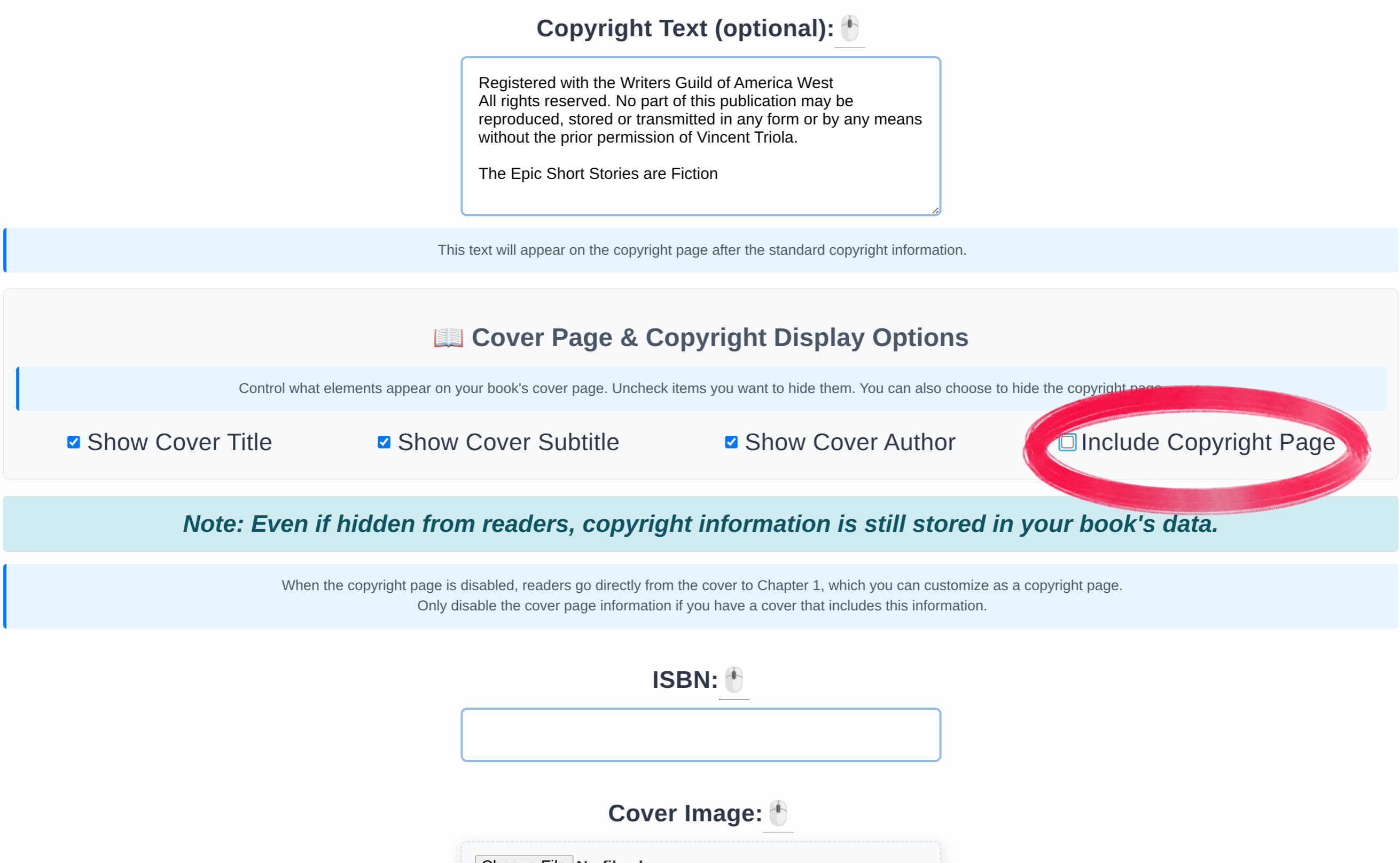
You must choose a theme when you begin a book. You can change themes later so you do not have to worry about choosing the wrong one. Themes are intended to provide a starting point and a variety of styles to match your vision. However, each theme provides a premade copyright page that differ with color and other styles. This feature is made for convience but you do not have to use the theme copyright page. If you desire to have greater control over the copyright page, you can simply choose to not show the copyright page from the book details page.
Making A Custom Copyright Page
If you unselect the copyright page, you can then create a new chapter and call it Copyright. This allows you to completely costimize the copyright page and still maintain the look of the theme and book.
For maximum control over the copyright page you can create your own page but choose the Plain Jane theme. This theme has the least amount of prestyling and therefore provides you with the most decorative capacity using the chapter editor on the Chapter Management page and Visual Style Customizer on the Book Details page to adjust colors, fonts, and other visual elements.
 DM me for questions